System Preferences-->Displays-->Mirror or Extend Displays; For Windows 10, press Windows key + P combination command-->choose Duplicate or Extend. For Windows system laptop, if the external monitor could not work, please update the BIOS and graphic card driver from laptop official website."]]],["p",{},["span",{"data-type":"text"},["span",{"data-type":"leaf"},""]],["img",{"src":"https://static-01.shop.com.mm/p/b4b542d12b3df95e2308ffedfaf529cd.jpg","alt":"Thunderbolt to HDMI Cable for Unibody Apple MacBook, MacBook Pro iMac MacBook, Air Mac Mini Laptop "},["span",{"data-type":"text"},["span",{"data-type":"leaf"},""]]],["span",{"data-type":"text"},["span",{"data-type":"leaf"},""]]],["p",{},["span",{"data-type":"text"},["span",{"data-type":"leaf"},""]]]]">
🖥️ Mini DisplayPort to HDMI Adapter – 4K High-Quality Connector 🔌
မင်္ဂလာပါ! 🎉 MacBook, Surface စသည့် စက်ပစ္စည်းများကို HDTV, Monitor သို့မဟုတ် Projector များနှင့် ချိတ်ဆက်ရန် လိုအပ်ပါက၊ ဒီ Mini DisplayPort (Thunderbolt) to HDMI Adapter က အကောင်းဆုံး ရွေးချယ်မှုပါ။ 4K ရုပ်ထွက်နဲ့ အသံ ချောမွေ့စွာ ထုတ်ပေးနိုင်တဲ့ ဒီ adapter နဲ့ သင့်အလုပ်တွေ ပိုမိုလွယ်ကူချောမွေ့လာမှာပါ။
ဘာကြောင့် ဝယ်သင့်လဲ? 😊
🎥 4K HDMI Output: 3840x2160 resolution အထိ ပံ့ပိုးပေးပြီး HDTV, Monitor သို့မဟုတ် Projector များတွင် ကြည်လင်ပြတ်သားတဲ့ ရုပ်ထွက်ရရှိနိုင်ပါတယ်။
⚡ Thunderbolt & Mini DisplayPort Compatible: Thunderbolt 1/2 ports နဲ့ Mini DP outputs ပါတဲ့ Mac နဲ့ Surface စက်များနဲ့ အဆင်ပြေ။
🔊 Audio + Video Sync: ရုပ်နဲ့ အသံ တပြိုင်နက် ထုတ်ပေးတယ် – Streaming, Gaming သို့မဟုတ် Video Conferencing အတွက် အဆင်ပြေ။
🔌 Plug & Play Setup: ဆော့ဖ်ဝဲ သို့မဟုတ် Driver မလိုအပ်ပဲ ချိတ်ဆက်ပြီး ချက်ချင်း အသုံးပြုနိုင်ပါတယ်။
💻 Wide Compatibility: MacBook Pro/Air, iMac, Mac Mini, Microsoft Surface Pro/Book စသည်တို့နဲ့ အဆင်ပြေ။
📺 Universal Use: Laptop များကို TV, External Display, Projector သို့မဟုတ် Home Theater စနစ်များနဲ့ လွယ်ကူစွာ ချိတ်ဆက်နိုင်ပါတယ်။
🧳 Portable & Durable: ပေါ့ပါးပြီး ကျစ်လျစ်တဲ့ ဒီဇိုင်း၊ ခရီးဆောင်အိတ်ထဲ အလွယ်ထည့်နိုင်ပြီး အိမ်၊ ရုံး သို့မဟုတ် ခရီးတွင် အသုံးပြုရန် သင့်တော်ပါတယ်။
#MiniDisplayPortToHDMI #ThunderboltAdapter #4KHDMI #MacBookAccessories #SurfacePro #LaptopToTV #ProjectorConnector #PlugAndPlay #TechGadgets #MyanmarTech
apple macbook (after 2010 Version with Audio) ;
MacBook Pro; MacBook Air;
iMac; Mac mini; Mac Pro;
Microsoft Surface Pro/Pro 2/Pro 3 (NOT Surface for Windows RT);
Lenovo ThinkPad X1 Carbon, X230/X240s, L430/L440/L530/L540, W530/W540, Helix;
Dell XPS 13/14/15/17, Latitude E7240/E7440, Precision M3800; Alienware 14/17/18;
Acer Aspire R7/S7/V5/V7;
Intel NUC;
Asus Zenbook;
HP Envy 14/17;
Google Chromebook Pixel etc
If your laptop not included in the list,please free free to let us know ,we are very gladly to help you to check if your device can work with the adapter.
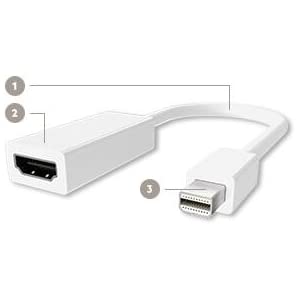
Cable Components:
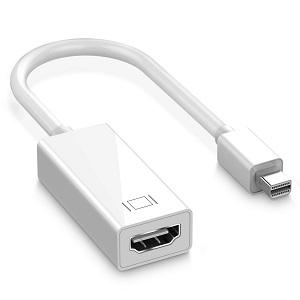
1. Adapter cable--short length for easy portability.
2. HDMI Type A (1 x 19 pin female)--connects to an existing HDMI cable connected to your HDTV, monitor or sound system.
3. Mini DisplayPort (1 x male)--connects to your laptop, desktop or tablet.
|
|
|
|
Plug & Play ( Not require any software or drivers)
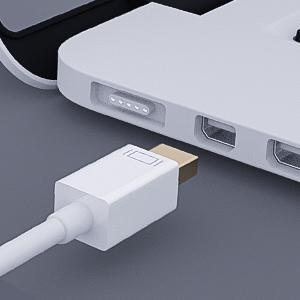
This is a Mini DisplayPort to HDMI adapter. only convert signal from Mini DisplayPort to HDMI, cannot be bidirectional. So please make sure the mini displayport is connected to a computer, and HDMI is connected to a TV, monitor or projector.
|
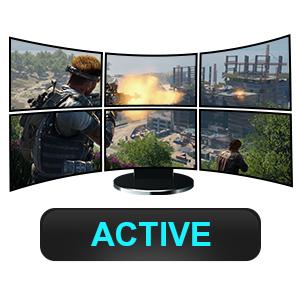
Active ( Difference between Active and Passive)
Passive only supports to connect one monitor, but active supports multi-monitors. This item is passive, please note.
|
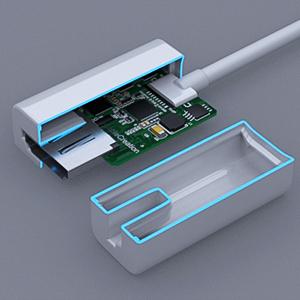
Excellent Performance Chip
Excellent performance chip mad by TEXAS INSTRUMENTS Support up to 3.4-Gbps Data Rates Keep signal integrity and transmission frequently
|
|

|

|
|
High-Definition Video and Audio
This Mini DisplayPort HDMI adapter supports 1080p high-definition resolution on HDTVs (1920 x 1080 pixels) as well as transmitting HD audio signals for an all-in-one A/V solution. It is compatible with Passive / DP++ / Dual-mode Mini DisplayPorts on Mac and PC, as well as Thunderbolt ports on Mac.
|
Backward-Compatible Mini DisplayPort Technology
This Mini DisplayPort HDMI adapter supports 1080p high-definition resolution on HDTVs (1920 x 1080 pixels) as well as transmitting HD audio signals for an all-in-one A/V solution. It is compatible with Passive / DP++ / Dual-mode Mini DisplayPorts on Mac and PC, as well as Thunderbolt ports on Mac.
|
watch movie
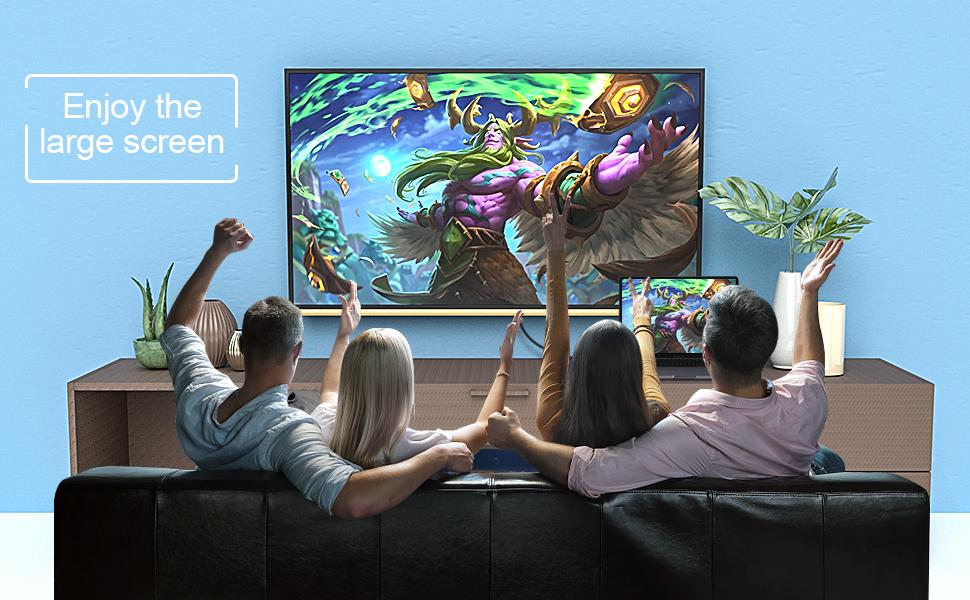
1. Easy operation and convenient use,plug and play,no drives required 2. Please use mini dp to connect the computer,HDMI connected to the monitor, and use a good quality HDMI cable. 3. As for audio, go into 'System Preferences'→'Sound'→'Output'. There should be an option to change the audio output from your laptop to other devices.
|
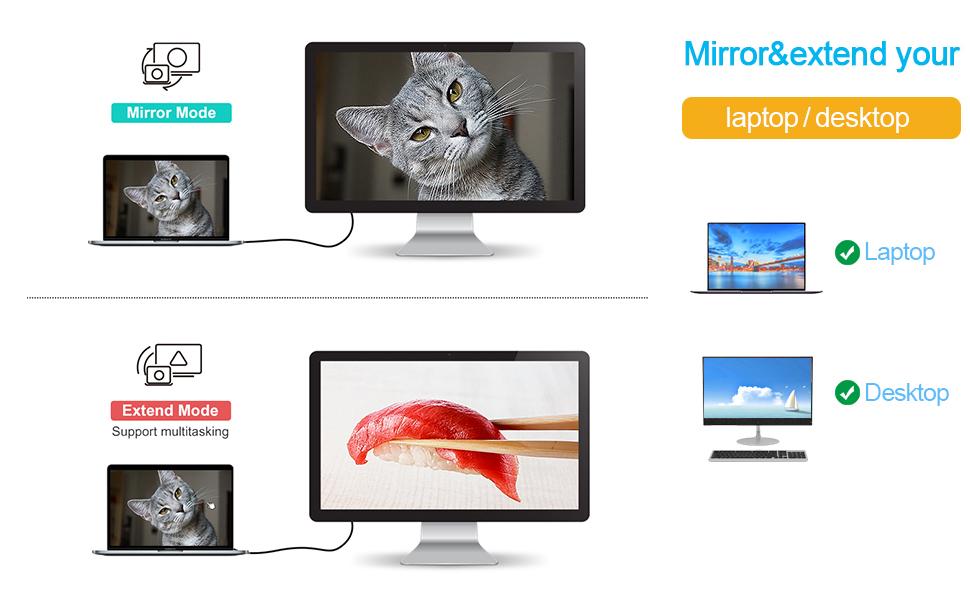
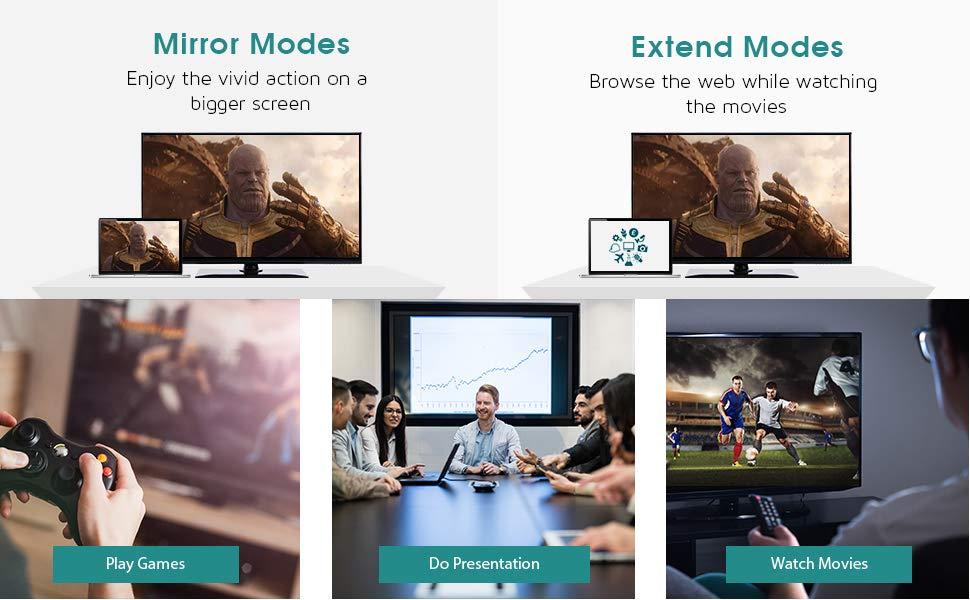
Mirror and Extend Mode Settings: For MacOS, Top left corner Apple icon-->System Preferences-->Displays-->Mirror or Extend Displays; For Windows 10, press Windows key + P combination command-->choose Duplicate or Extend. For Windows system laptop, if the external monitor could not work, please update the BIOS and graphic card driver from laptop official website.

 English (US)
 Português
 العربية